Resources
Practical IT guides
Articles on Microsoft 365, cybersecurity, IT management and other business technology questions.

Suspicious apps and links on work phones
Spot suspicious apps, links and permission requests on a work phone, and know what to do if the phone is lost or may be compromised.

Testing work tasks on phones and tablets
Test mobile work one task at a time: readable screens, the right data access, weak connections and a clean handoff back to the main business record.

Checking the software your business depends on
Map software suppliers and dependencies, verify update routes and access, and plan tested recovery when a component fails or needs an urgent security fix.

Preparing for a useful IT review
Scope an IT review around important business services, available evidence, recovery checks and an assigned action list with clear acceptance criteria.
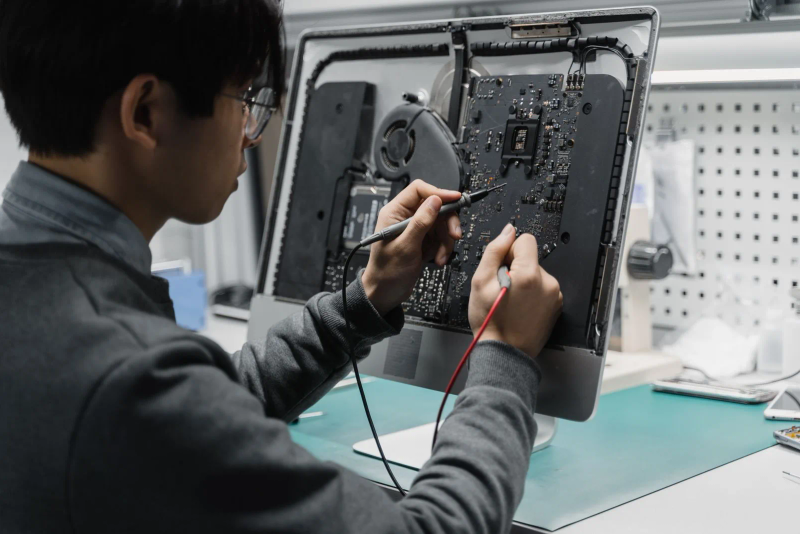
Five signs your IT support needs a review
Review recurring support delays, repeated fixes, unclear costs, escalation gaps and missed concerns using service records and concrete business examples.

Preparing work devices for business travel
Prepare work devices for a trip: carry less data, test recovery and sign-in, use known networks and know who to contact if a device goes missing.
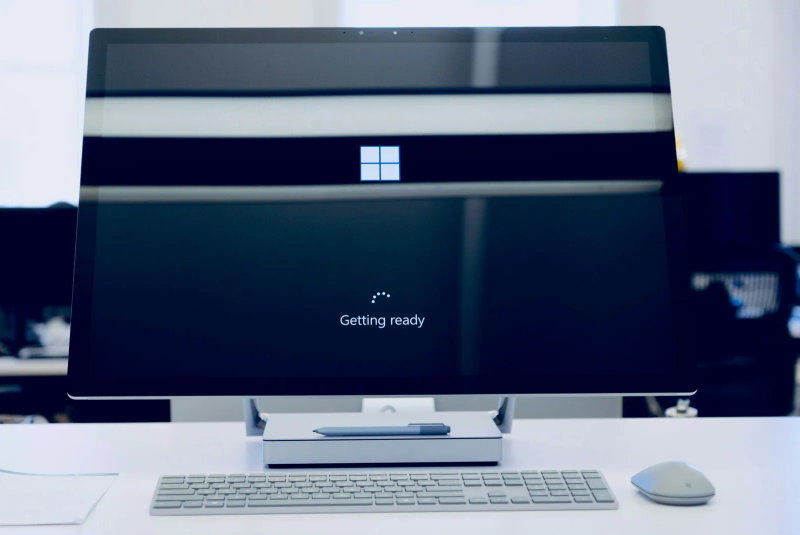
Checking a Windows 11 upgrade before rollout
Test applications, recovery, accessories and staff workflows on a representative Windows 11 pilot before starting the wider rollout.

Choosing a first task to automate
Choose a repeatable business task, define its exceptions and test the result before handing it to an automated workflow.

Six checks before buying smart-office technology
Evaluate connected office equipment, AI features, collaboration tools, remote access, furniture and sensors against real work and privacy needs.

Estimating what an IT outage costs your business
Build a downtime estimate from interrupted work, lost contribution, recovery costs and backlog, with clear assumptions and no double counting.

Planning safe cleanup around office technology
Assign safe housekeeping around workstations and equipment rooms, protect records and airflow, and leave technical changes to the responsible people.
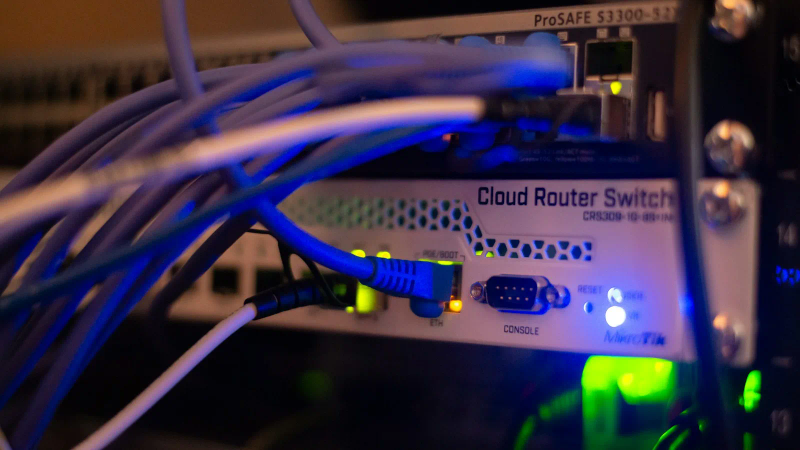
Planning cable changes without losing track
Map office connections, get sign-off before changing cables, label both ends and test the services before closing a cabling cleanup.
Want advice for your own setup?
We can help you apply the advice to your systems and work out what needs to change.