Resources
Cybersecurity
Articles on protecting a business: phishing and scams, passwords and multi-factor sign-in, backups, and what to do when something goes wrong.
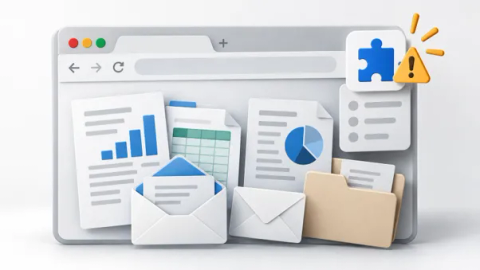
How to Protect Your Business Data from Unsafe Browser Extensions
Browser extensions can read confidential information on websites where they have the necessary access, including pages you open after signing in. Reviewing their publishers, permissions, and data…

How to Protect Your Business from AI Voice Scams
AI voice scams use copied voices to impersonate owners, colleagues, or suppliers. A familiar-sounding caller may ask your team to send money, change bank details, or share a sign-in code. Confirm…

Securing email after a password reset
A password reset can leave other email access in place. Check sessions, forwarding, connected apps and recovery methods after an account compromise.

Protecting your business social accounts
Review page administrators, agency access, recovery details and advertising permissions so your business can protect and recover its social accounts.

Questions to ask after a vendor data breach
A practical checklist for assessing a software vendor's breach, protecting connected accounts and deciding what your Canadian business needs to do next.

Replacing shared logins at work
Replace shared staff logins with named accounts, delegated access or shared mailboxes, and manage exceptions when software only supports one login.

Setting rules for personal devices at work
Decide which work personal devices can access, explain employee privacy and management controls, and plan how to remove business data when access ends.

Keeping guest networks separate
Give visitors Internet access while keeping business devices, printers and network controls behind tested guest-network restrictions.

Limiting administrator access on staff computers
Use standard accounts for daily work, provide an installation process and test specialist software before removing permanent administrator rights.

What a cyber insurance questionnaire is asking
The questions insurers ask about your security controls, why they ask them, and how to answer accurately when some of the answers are no.
Avoiding fake search ads and download sites
Use verified bookmarks and trusted software sources, check search destinations and report suspicious downloads without trusting result position or an ad label.
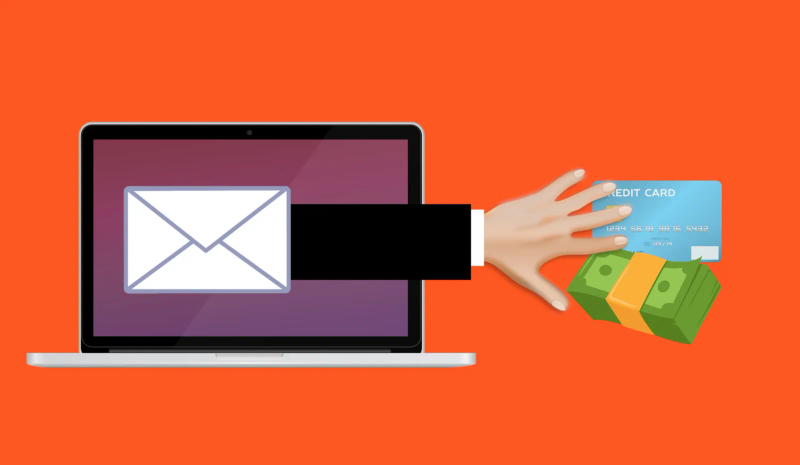
Checking email requests that look convincing
Verify payment and account requests through known contacts, report suspicious messages and act quickly if someone shared a password or sent money.
Want advice for your own setup?
We can help you apply the advice to your systems and work out what needs to change.