Resources
Practical IT guides
Articles on Microsoft 365, cybersecurity, IT management and other business technology questions.

Deciding whether a second monitor helps the job
Check a second monitor against the work, desk space, connections and screen sharing involved before buying one.

Five mobile security exposures to review at work
Review mobile apps, messages, networks, charging connections and support status without assuming a VPN or antivirus covers every risk.

Assessing a Windows 365 Cloud PC for a work role
Test a Windows 365 Cloud PC against application needs, connectivity, endpoint controls, licensing costs and recovery requirements.
Testing Microsoft Edge as a managed work browser
Assess Microsoft Edge with your business applications, profiles, security settings, extensions and saved-data migration before rollout.
Comparing MFA methods for everyday work
Compare text codes, authenticator apps and phishing-resistant sign-in methods with the devices, recovery paths and services your staff use.
Four questions behind cloud storage feature claims
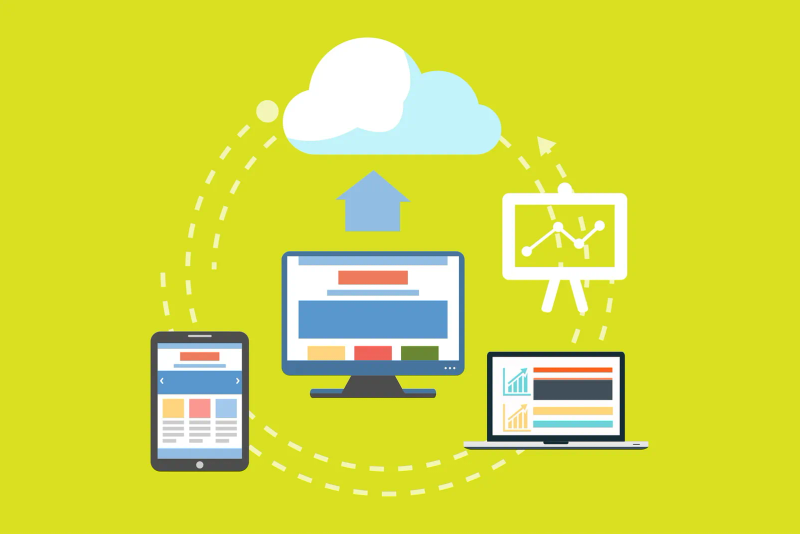
Assess cloud storage claims about recovery, location, automation and hybrid management using the files and responsibilities your business has.

Reviewing the protection around a work account
Review account ownership, sign-in, recovery methods, app connections and signed-in devices as one practical work-account security check.

Comparing Teams plans against a business workflow
Compare current Canadian Teams offers by identity, meetings, file collaboration, administration and add-ons before choosing a subscription.

Planning for a supplier cyber incident
Separate supplier outages from access compromise, map critical dependencies and test a fallback that can operate without the affected service.
Six checks for suspicious social media requests
Check connection requests, direct messages, public details, app permissions, support claims and reporting when social media is part of work.

Assessing an upgrade for an older work computer
Check support, workload bottlenecks, hardware compatibility and recovery before spending money on upgrades to an older business computer.

Five boundaries for using a work computer
Clarify personal accounts, files, browsing, household access and security tools on a work computer through a usable device policy.
Want advice for your own setup?
We can help you apply the advice to your systems and work out what needs to change.