Planning cable changes without losing track
Map office connections, get sign-off before changing cables, label both ends and test the services before closing a cabling cleanup.
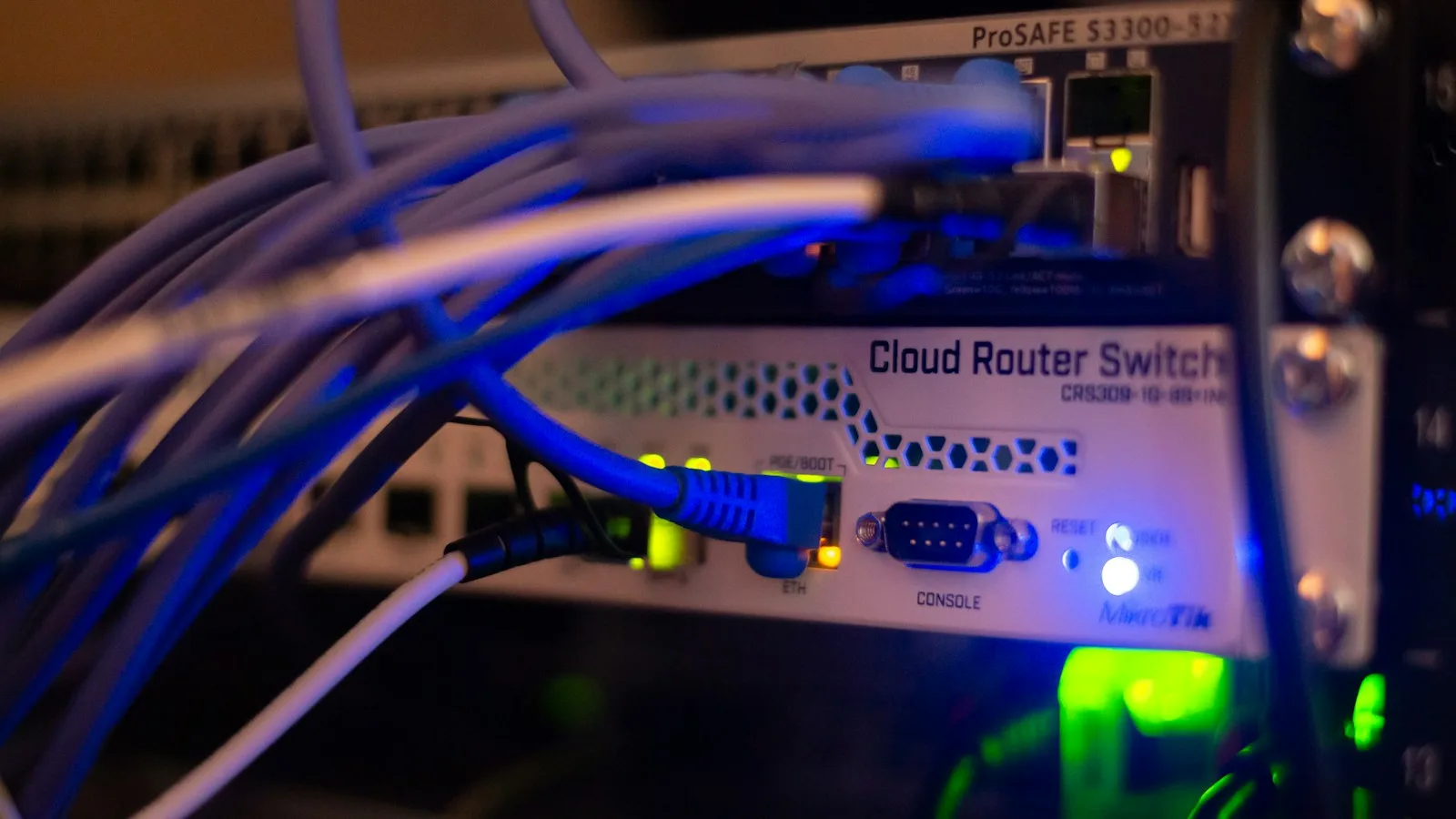
A cable cleanup becomes technical work as soon as it changes a connection. A lead that looks redundant might carry a desk phone, wireless access point or backup connection. Removing it without a record can turn a tidy-up into an interruption.
Plan the changes with the people responsible for the network, power and building systems. The office housekeeping guide covers inspections and routine cleaning; this article covers the connection changes that need someone’s sign-off.
Establish what each connection supports
Start with the current equipment list and network documentation. Identify the devices, patch panels, outlets and connections in scope. Record both endpoints where they can be verified safely.
Mark an uncertain connection for investigation. Don’t infer its purpose from colour, length or whether a device looks busy at the moment.
Store photographs and diagrams with your network records. Avoid capturing credentials, sensitive screens or other information that isn’t needed to document the work.
Agree on the change and the fallback
List the connections to replace, reroute or remove and the services each might affect. Get sign-off from the owner of each affected service before disconnecting equipment.
Choose a suitable maintenance window. Explain what staff may lose access to and how they can report an unexpected effect. Record the previous arrangement so the technician can restore it if the tests fail.
Separate network work from electrical or building changes. Damaged power equipment, new outlets and installed cable routes need qualified trades to do them. Staff shouldn’t repair plugs or improvise permanent building cabling.
Choose a route that can be maintained
Check access, equipment ventilation and the movement of desks, chairs and doors. Use supports and cable-management products suitable for the installed equipment and cable specifications.
Keep walking routes clear. CCOHS housekeeping guidance identifies loose objects and obstructed routes as workplace hazards. Coordinate the physical layout with facilities as well as IT.
Don’t compress cables into a tight bundle solely for appearance. Bend, load and routing requirements depend on the cable and installation. Have the installer confirm them.
Label and document the final arrangement
Give each connection an identifier that matches its record. Label both ends, and use labels that stay legible through ordinary maintenance.
Record the device or port served, relevant location and date of change. Keep the documentation useful without putting passwords or unnecessary sensitive details on visible labels.
Identify spare equipment and leads separately. Remove retired items only after ownership, dependencies and any data-disposal needs have been checked.
Test the services people use
Test more than link lights. Confirm representative calls, network access, printing and other affected business tasks. If the change touches a backup Internet connection or other failover, test that too.
If the work includes installed cabling, ask the installer for a certification test report for each cable run. A neat run that passes a basic connectivity check can still fall short of its performance requirements.
Close the change with its results and updated records. Ask staff to report later faults against that change so intermittent problems can be investigated. Review the arrangement when equipment or desk layouts change.


