Resources
IT Management
Articles on running IT day to day: devices, updates, support, policies, and keeping the office working when a service goes down.

Preparing work devices for business travel
Prepare work devices for a trip: carry less data, test recovery and sign-in, use known networks and know who to contact if a device goes missing.
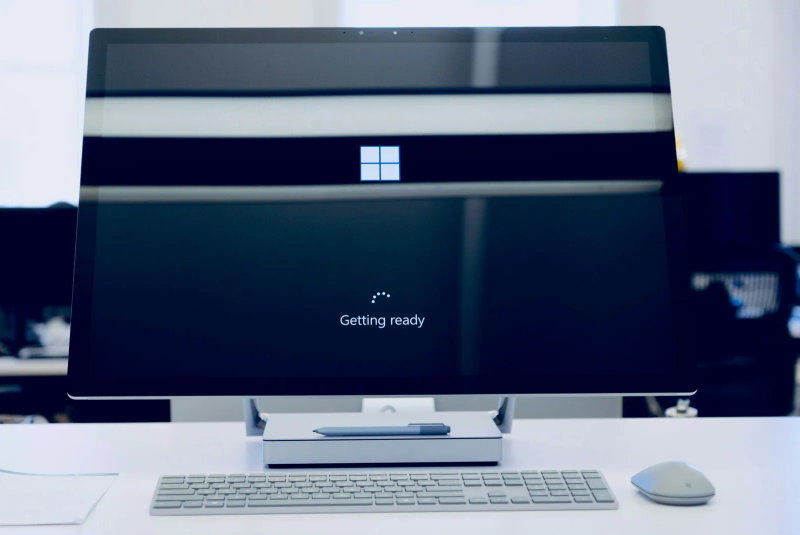
Checking a Windows 11 upgrade before rollout
Test applications, recovery, accessories and staff workflows on a representative Windows 11 pilot before starting the wider rollout.

Choosing a first task to automate
Choose a repeatable business task, define its exceptions and test the result before handing it to an automated workflow.

Estimating what an IT outage costs your business
Build a downtime estimate from interrupted work, lost contribution, recovery costs and backlog, with clear assumptions and no double counting.

Planning safe cleanup around office technology
Assign safe housekeeping around workstations and equipment rooms, protect records and airflow, and leave technical changes to the responsible people.

Planning cable changes without losing track
Map office connections, get sign-off before changing cables, label both ends and test the services before closing a cabling cleanup.

A remote-work security routine for staff
Use a practical routine for work devices, sign-in, home Wi-Fi, file sharing and reporting problems while working remotely.

Training staff for the work a new tool changes
Plan role-specific technology training around completed tasks, safe practice, accessible instructions and support after the rollout.

Checking your security monitoring
Verify which systems produce security signals, how missing coverage is detected and who handles alerts under the agreed service arrangement.

Ten ways to support everyday security awareness
Support security awareness through clear ownership, practical instructions, usable reporting and management follow-through.

Assigning owners to business records
Assign responsibility for business records, definitions, access and changes so staff can find and maintain the information they rely on.

Choosing Microsoft 365 tools for a task
Match Planner, Bookings, Teams and Forms to a defined task, then check licences, ownership, access and the handoff before using them.
Want advice for your own setup?
We can help you apply the advice to your systems and work out what needs to change.