Resources
IT Management
Articles on running IT day to day: devices, updates, support, policies, and keeping the office working when a service goes down.
Checking endpoint protection across device life
Check device protection from setup to retirement, including supported software, boot controls, alert response, recovery and verified removal of business data.

Fixing gaps in a shared digital workplace
Find and resolve gaps in shared files, remote decisions, everyday tools and support so a distributed team can complete work using the same information.

Matching vulnerability advisories to your systems
Read vulnerability identifiers, affected versions and vendor instructions against your inventory before deciding which systems need action.

Moving a legacy site beyond Internet Explorer
Identify a legacy site's browser dependencies, test a supported destination and use managed IE mode only where the operating system and application support it.
Checking six legacy technology dependencies
Review six legacy browser, operating-system and database dependencies with current vendor guidance, ownership and a tested migration plan.

Six IT policies staff can use in daily work
Define usable rules for sign-in, devices, applications, personal equipment, remote connections and public posts, with clear support and exception routes.

Organizing shared cloud files around the work
Choose a shared filing structure, test retrieval and permissions, and tidy cloud records without losing history or ignoring retention obligations.
Using Adoption Score to investigate workflow gaps
Read Microsoft Adoption Score as evidence of tool use, check current privacy controls and test a workflow improvement against a real business outcome.

Responding when a work device goes missing
Report a missing work device promptly, assess stored data and account access, and coordinate supported containment, evidence and Canadian privacy review.
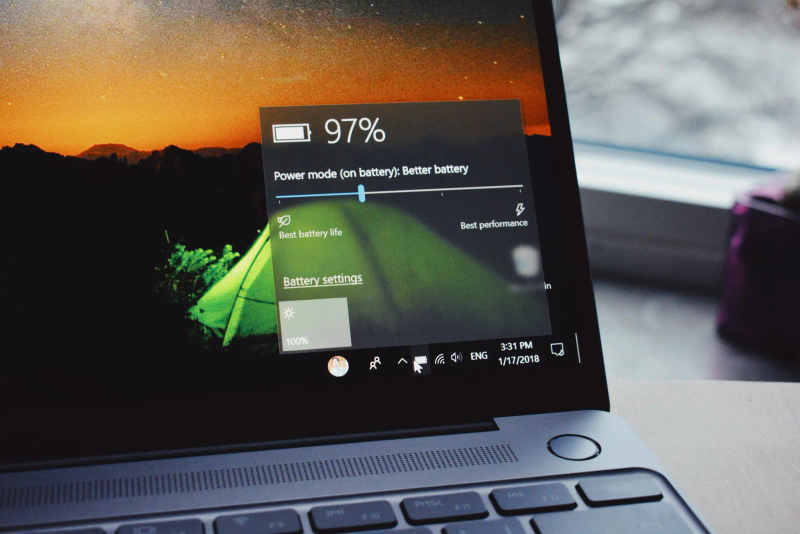
Planning laptop battery use for a workday
Test laptop runtime with the work you do on battery, use supported power settings and battery diagnostics, and keep security and sync intact.

Setting a useful security training schedule
Plan security training around staff roles, tool changes and observed gaps, then test reporting and verification without relying on one universal interval.

Deciding whether a second monitor helps the job
Check a second monitor against the work, desk space, connections and screen sharing involved before buying one.
Want advice for your own setup?
We can help you apply the advice to your systems and work out what needs to change.