Checking email requests that look convincing
Verify payment and account requests through known contacts, report suspicious messages and act quickly if someone shared a password or sent money.
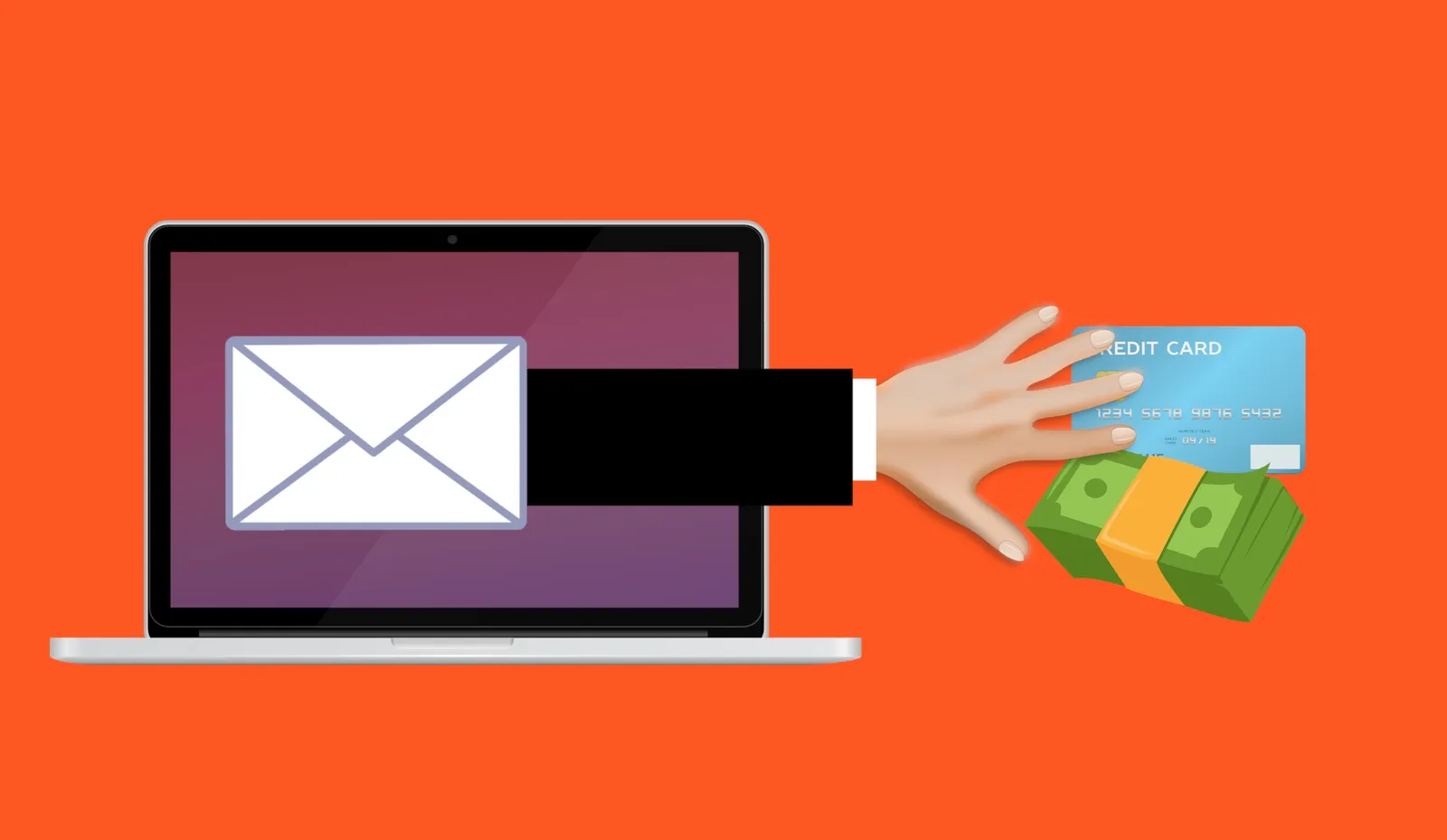
A supplier emails new banking details for the next invoice. The message uses the right names, refers to a real order and contains no spelling mistakes. Those details make it plausible. They don’t show that the supplier sent it.
Treat an email asking for money, sign-in details or a change in process as a request to verify. The safest check uses information you already hold, away from the message itself.
Look at the action being requested
The Canadian Anti-Fraud Centre’s technology bulletin describes how AI can personalize phishing and support impersonation. A well-written message can be fraudulent, whether AI was involved or not.
Pay attention when a message asks you to:
- Change a supplier’s payment destination.
- Buy gift cards or send an unusual payment.
- Share a password, verification code or recovery information.
- Open an unexpected document or approve a sign-in.
- Keep the request secret or bypass an approval.
Urgency and mistakes can still be warning signs. Their absence doesn’t make a request safe. Real project details can come from public information or from a compromised mailbox.
Verify using a known contact
For a banking change, call the supplier using a number from your existing records. Don’t use a number provided in the same email. Follow your normal payment approval process and record who confirmed the change.
The Canadian Anti-Fraud Centre’s business guidance warns that criminals can infiltrate email accounts as well as spoof them. Replying to the message or seeing the correct sender address may leave you speaking to the attacker.
For an account warning, open the service through your usual bookmark or app and check there. If the request claims to come from IT, contact IT through the usual support channel.
Inspect addresses without treating them as proof
Check the full sender and reply-to addresses. Look for unexpected domains and differences from previous correspondence. A display name or familiar logo is easy to copy.
On a computer, inspect a link’s destination before opening it. On a phone, use the available link-preview option carefully, or go directly to the service. A short link or plausible domain can still lead to a site the attacker controls.
Avoid entering credentials into a page opened from an unexpected email. For attachments, confirm the purpose with the sender if you weren’t expecting the document. Don’t enable macros or install software because the document tells you to.
Make reporting part of the workflow
Give staff one way to report suspicious messages and explain what happens afterward. Use your organization’s report button or IT process so the message and its technical details can be examined.
Encourage reports even when someone has clicked or entered information. Staff need a fast route to help, without having to decide whether the incident is serious first.
Filters and domain-authentication checks support this process. They can’t tell you whether a request is legitimate, especially when it comes from a real account someone else controls.
Act according to what happened
If someone only opened a page, close it and report the event. Tell IT if a file downloaded, a browser permission was granted or anything was installed.
If they entered credentials or approved an unexpected sign-in, contact IT immediately. From a trusted device, follow the recovery process. IT may need to revoke sessions and examine sign-in methods, mailbox rules and connected applications as well as change the password.
If money or card details were sent, contact the financial institution promptly through a known number. Preserve the messages and payment details, and report suspected fraud to local police and the Canadian Anti-Fraud Centre.
Practise the verification step with finance and reception staff. The next supplier request should have a clear path for checking it before anyone changes a payment.


