Resources
Cybersecurity
Articles on protecting a business: phishing and scams, passwords and multi-factor sign-in, backups, and what to do when something goes wrong.

Making everyday work safer for your team
Reduce account mix-ups and file sharing through personal accounts with usable tools, clear browser practices, practical training and an easy reporting route.

Protecting business information in a home office
Set practical rules for screens, paperwork, shared spaces and lost devices so staff can protect business information when they're working at home.
Checking recruiter messages before you act
Verify recruiter messages and job offers, recognize requests for money or software, and respond if a recruitment scam reaches a work device.

Planning replacement for ageing systems
Review ageing servers, network devices and business applications, then prioritize replacement using support status, exposure and recovery needs.

Reviewing browser extensions for your team
Review extension permissions, developer identity and data handling, then give staff a clear route for installing and updating browser tools.
Protecting browser sessions from theft
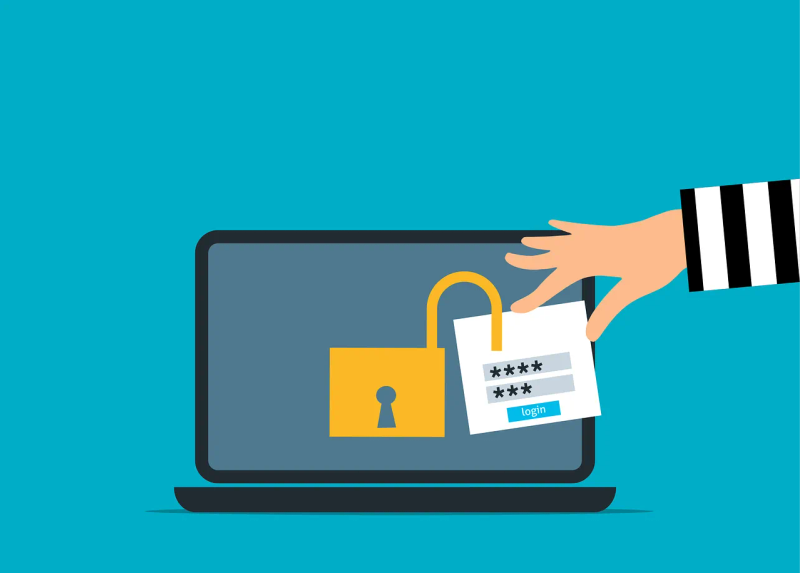
Understand how stolen browser sessions can expose work accounts, what device and session controls cover, and how IT should contain suspected theft.

Rolling out zero trust
Start with one business workflow, map its access, pilot identity and device controls, and test recovery before expanding your zero-trust rollout.

Checking the security coverage you're paying for
Ask for evidence of sign-in protection, device coverage, email controls, patching and alert response, then assign owners to gaps in your IT agreement.

Finding cloud apps outside your IT inventory
Build a cloud-app inventory from staff input and existing business records, assign owners, and verify how approval or blocking decisions take effect.

Reviewing AI tools already used at work
Find AI features used by your team, review the data and connectors they handle, and set clear rules for each use with proportionate privacy safeguards.

Testing your ransomware defences
Test sign-in coverage, patch exceptions, alert handoffs and backup recovery through a controlled exercise before ransomware interrupts business operations.

Securing company laptops used at home
Check updates, encryption, accounts, home networking and work storage on company laptops, with clear responsibilities for staff and IT.
Want advice for your own setup?
We can help you apply the advice to your systems and work out what needs to change.