Six checks for suspicious social media requests
Check connection requests, direct messages, public details, app permissions, support claims and reporting when social media is part of work.
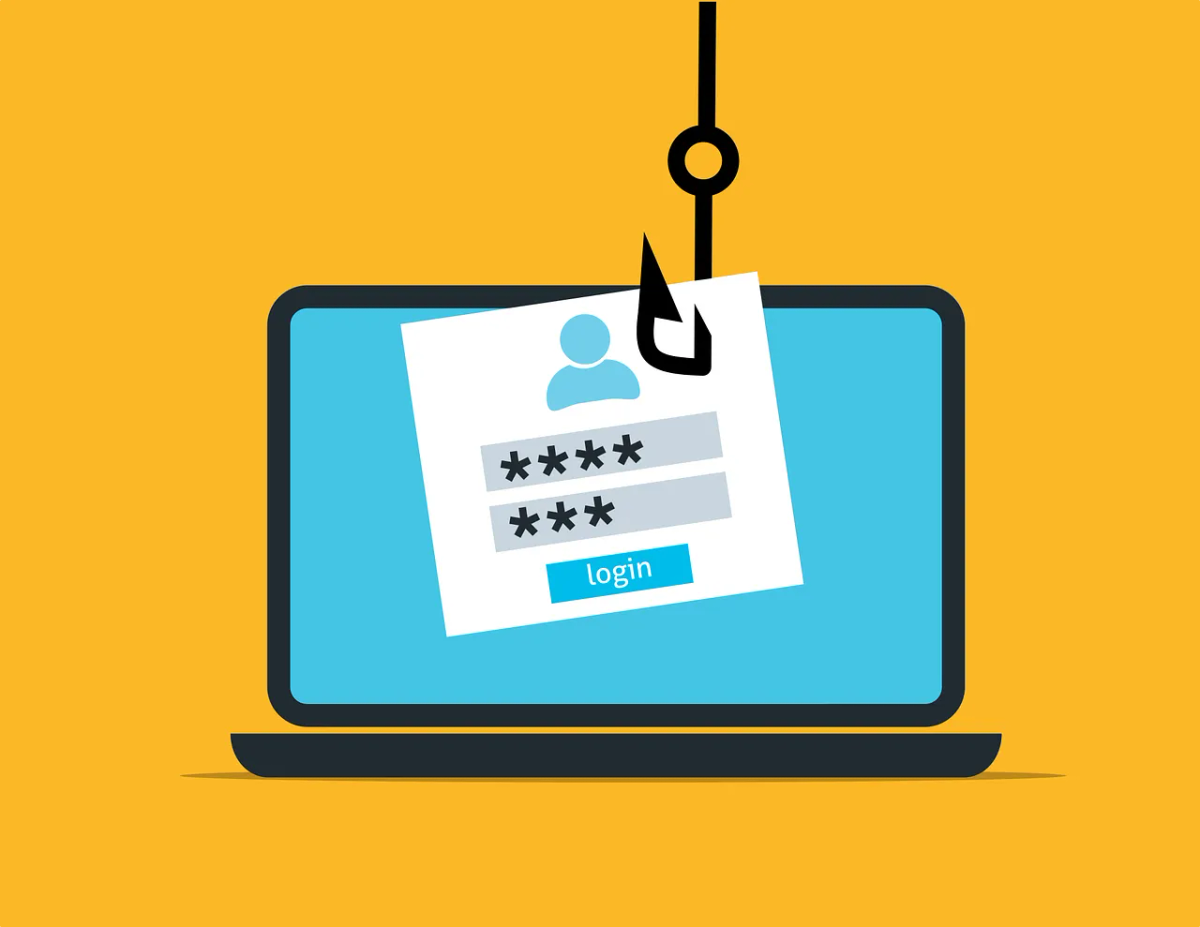
A social platform may be where customers and partners first contact your business. It can also carry impersonated profiles, false support warnings and links that ask for account access.
Keep legitimate enquiries moving while applying the same checks you’d use in email or on the phone.
Verify new connections when the request matters
A fake or taken-over profile can still show a convincing photograph, employer name or long history. Look at the context of the request and whether you can confirm the person through an established business channel.
You don’t need to investigate every casual follower. Apply stronger verification before disclosing information, accepting files or granting access.
Check direct messages before following their links
A message from someone you know still needs checking before you act on it. Accounts can be compromised or copied.
For a document or sign-in request, use a known service address or ask the contact to send it through the agreed channel. Don’t enter work credentials into a page reached from an unexplained message.
Review what public information reveals
Check whether staff contact lists, roles or posts give away more than needed about who signs off what, or about current projects. Hide what the business doesn’t need to show, such as a staff member’s connections list.
A public business profile may be essential for customers. Hiding some information reduces exposure but can’t remove facts already published elsewhere or shown through another person’s profile.
Assess third-party permissions
A quiz, giveaway or reporting tool may request access to profile information or a business account. Read the permission request and confirm the business purpose before you allow it.
Review connected applications in the platform’s settings and remove the ones you no longer use. A polished app can still collect more than it needs.
Verify platform-support and payment claims
A message threatening account closure can push someone to a false login page. Open the platform through your normal route and check its own support or account notifications.
For purchases, confirm the supplier and get sign-off through your usual purchasing process. An advertisement won’t tell you who placed it. Even a seller’s website you found yourself can belong to a fraudulent seller.
Preserve and report the request
Record the account identifier, message and time the way your incident process asks. Report impersonation to the platform, suspicious work-related requests internally, and fraud or attempted fraud to the Canadian Anti-Fraud Centre.
The Cyber Centre’s social-engineering guidance describes identity-based manipulation and verification practices.
If someone disclosed credentials or granted access, start account recovery promptly. Use the business social-account guide to review administration and recovery ownership separately from this message check.


