Protecting browser sessions from theft
Understand how stolen browser sessions can expose work accounts, what device and session controls cover, and how IT should contain suspected theft.
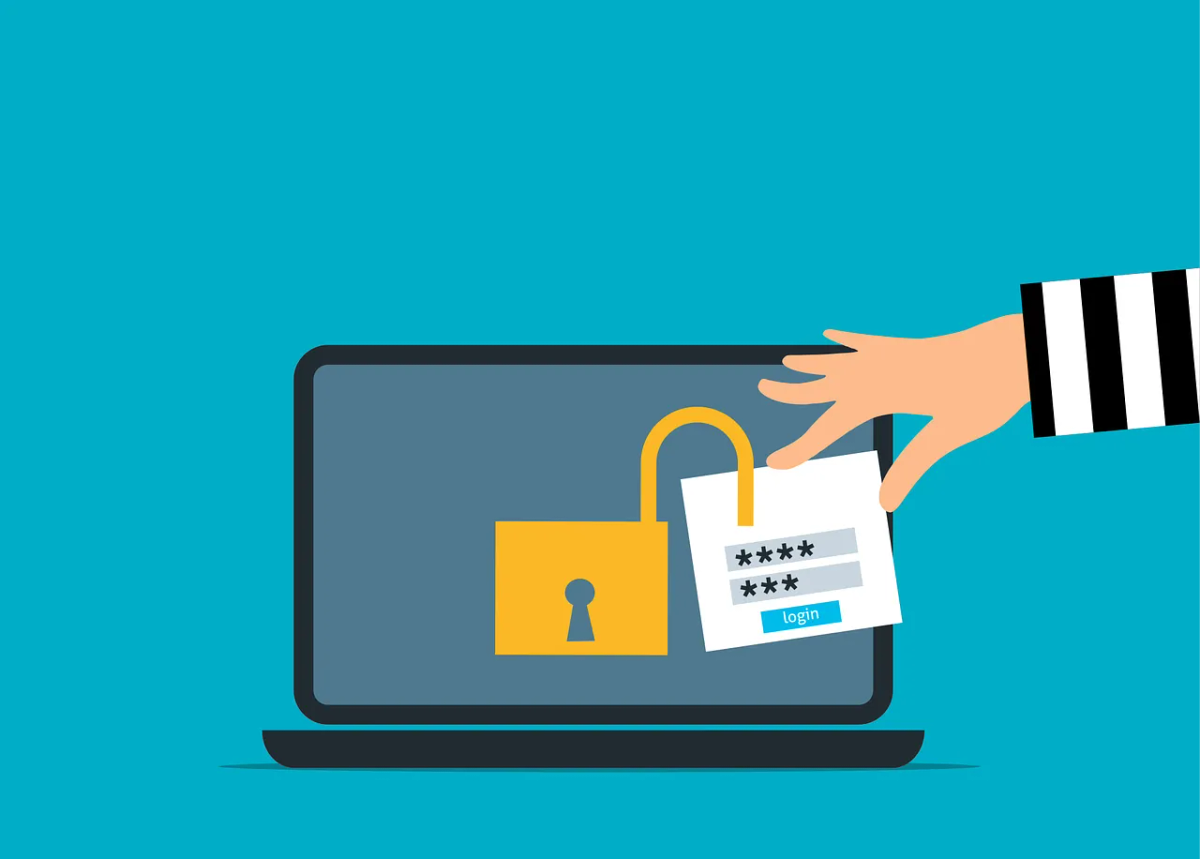
After you sign in, an application uses session information to recognize you as you move between pages. Some of that information is stored in browser cookies. Depending on the service and its controls, stolen session material may let another person use the account without completing a new password and multi-factor authentication (MFA) check.
Keep MFA enabled. Protecting the computer and managing signed-in sessions adds controls around access that has already been granted.
Protect the device holding the session
Session theft can follow a malicious download or other device compromise. A browser session is part of the information that malware may target, alongside saved passwords and development credentials.
Google Cloud’s credential-protection guidance describes how stolen browser cookies can be used to hijack a Cloud console session. The effect in another application depends on the token type, lifetime and protections that service applies.
Have IT keep operating systems, browsers and device protection supported and updated. Restrict software installation and review browser extensions, including the permissions they receive. Our extension-review guide covers how to decide which ones to allow.
Avoid using a business device to try unknown utilities, assessment software or downloaded projects. A separate browser profile organizes accounts; it doesn’t isolate the computer from a malicious program.
Keep phishing-resistant sign-in in the plan
Phishing relays are another route to stealing a session. Our AiTM guide explains that mechanism and the role of passkeys and other phishing-resistant authentication.
Those methods protect sign-in. They won’t clean up a computer that’s already compromised. Device protection, application permissions and incident response still matter after authentication.
Make the reporting instruction simple: contact IT if you ran suspicious software, approved an unexpected sign-in or noticed account activity you don’t recognize. Staff don’t need to identify the attack technique first.
Match session controls to the application
Ask IT which applications can restrict unmanaged-device access, require reauthentication or bind supported tokens to a device. Check licences, platforms and client support before treating a policy as a complete control.
Microsoft’s token-protection documentation describes a control for supported device-bound sign-in tokens. Its support varies by resource, application and platform; browser coverage has specific limits. It doesn’t protect every cookie in every website.
Pilot the policies that apply with real staff workflows and examine the sign-in logs before enforcement. Record exceptions and who owns them. A shorter session can reduce the useful lifetime of stolen material, but won’t repair a device that keeps exposing new sessions.
Contain the account and the computer
If a device may be compromised, stop using it for work and contact IT from another device through a known channel. Follow its isolation instructions. Don’t reset business credentials on the suspect computer or attempt a cleanup before evidence has been assessed.
The incident team should determine which accounts were used on the device and which sessions, credentials or application grants may be affected. Contain access in the identity service and in the applications involved, then investigate the device before returning it to use.
Microsoft’s access-revocation guidance explains that applications can issue their own session cookies. Central revocation can’t directly revoke every application-owned session, and the time before access ends depends on how the application enforces it.
Check for changes made while access was available
Review authentication methods, recovery details, app consent, forwarding rules and changes to permissions. Correlate sign-in and application activity with the staff member’s account of what happened. Unexpected geography can be a clue. Activity from a familiar location still needs checking.
Confirm containment in each affected service and document any gaps in logging or session control. Use the email recovery checklist for mailbox investigation and the incident-response guide for wider business and privacy decisions.


