Resources
Business Communications
Articles on how a team stays in touch: phones, video calls and messaging, and working securely from home or on the road.

Gathering evidence for a network problem
Narrow down a business network problem with quick self-checks and recorded errors, and leave changes to shared equipment and security settings to IT.

Testing work tasks on phones and tablets
Test mobile work one task at a time: readable screens, the right data access, weak connections and a clean handoff back to the main business record.

Six checks before buying smart-office technology
Evaluate connected office equipment, AI features, collaboration tools, remote access, furniture and sensors against real work and privacy needs.
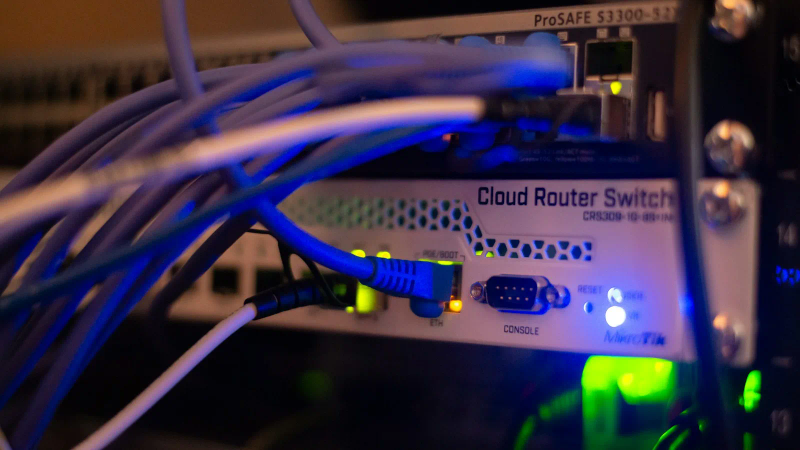
Planning cable changes without losing track
Map office connections, get sign-off before changing cables, label both ends and test the services before closing a cabling cleanup.

Improving one workflow in your office
Find repeated entry, missing handoffs and unclear records in an office workflow, then test a focused improvement with the people doing the work.

Checking Gmail and Yahoo sender requirements
Check business email against Gmail and Yahoo sender requirements, including authentication, domain alignment, unsubscribe handling and delivery evidence.

Evaluating immersive technology for work
Assess a virtual or augmented reality pilot against a real task, current platform support, accessibility, privacy and the cost of maintaining the experience.

Seven checks for an office VoIP setup
Test an office VoIP setup across the network, headsets, routing, voicemail and outage arrangements, including the provider's Canadian emergency-call limits.
Setting up a Microsoft Teams workspace
Set up Teams around shared work, with clear owners, a small set of channels, tested external access and a short onboarding process for the people using it.

Choosing VoIP features around caller needs
Choose phone features for the calls your team handles, with clear routing, callback ownership, information limits and support arrangements.

Fixing gaps in a shared digital workplace
Find and resolve gaps in shared files, remote decisions, everyday tools and support so a distributed team can complete work using the same information.

Five Microsoft 365 checks for hybrid meetings
Test shared records, attendance choices, room audio, presentation tools and rehearsal before relying on Microsoft 365 for office and remote meetings.
Want advice for your own setup?
We can help you apply the advice to your systems and work out what needs to change.