Ten checks to reduce the risk of a data breach
Review business information, access, sharing, devices and supplier responsibilities, then assign fixes and confirm your breach-response process.
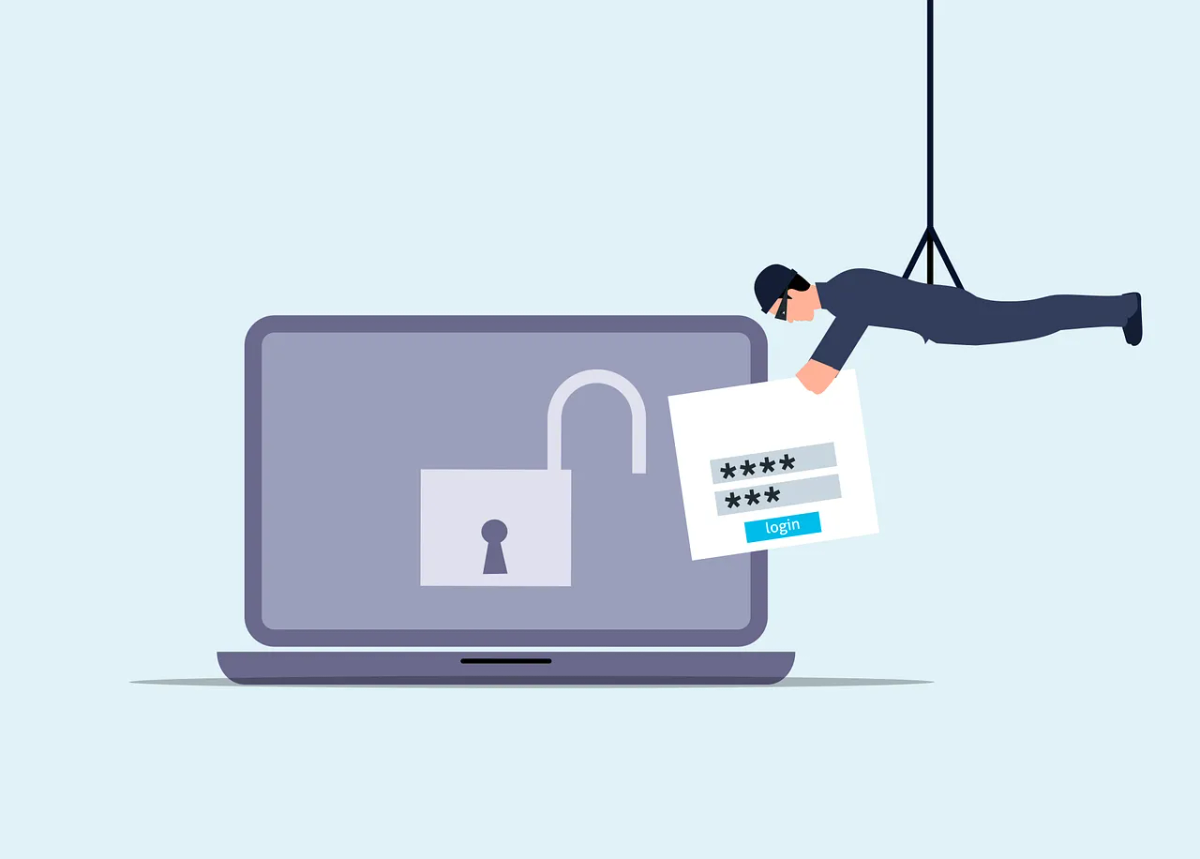
A breach can involve a stolen account, a lost device, an accidental disclosure or access that should have been removed. Prevention needs attention to where information lives and how people use it.
Use this review with your IT provider and the person responsible for privacy. For each check, record the evidence, any gap, its owner and an agreed correction date. These steps reduce risk; they don’t guarantee that a breach won’t happen.
1. Find the records that need protection
Choose a real workflow, such as client onboarding or payroll. Trace information from collection through processing, sharing and disposal. Include email attachments, paper copies, downloaded spreadsheets and supplier systems.
Record why each copy exists and who owns it. List the copies you don’t need so the record owner can decide what to keep. Don’t delete records that must be preserved for legal, contractual or operational reasons.
The Cyber Centre’s baseline controls provide a broader framework for assessing the systems and information in scope.
2. Check who can sign in
Use named accounts and supported MFA for services holding business information. Review recovery contacts and administrative access as well as ordinary users.
Ask IT to check the sign-in routes that remain available. Someone can be on the enrolment list and still have a sign-in route that skips MFA. See the MFA-rollout guide for implementation checks.
3. Match access to current work
Ask the record owner to review who needs access and what they can change. Include former staff, external guests, shared mailboxes and applications with access to records.
Test removal with a test account. A restricted new sharing link doesn’t remove permissions someone already has. Give changes and exceptions a named owner.
4. Verify device and software coverage
Pick representative devices and ask IT to show support status, recent updates and protection reporting. Include phones, remote computers and equipment that hasn’t checked in recently.
Identify who handles failures and unsupported systems. A device can show up on a dashboard and still not be getting updates.
5. Check protection for stored and transmitted information
Confirm encryption on devices holding sensitive records, and agree how staff should transfer those records. Keep recovery keys locked down but available to the people who’d need them.
Ask what protection remains when a device is unlocked or an account has access. Encryption doesn’t correct excessive permissions, a mistaken recipient or a compromised active session.
6. Test a normal sharing task
Have a staff member share a test document with the intended recipient. Check the account, link scope, attachments and access afterwards.
For sensitive requests, use the business’s verification process before sending information. A familiar display name doesn’t tell you who sent the request. Keep staff instructions specific to the work they do.
7. Review supplier responsibilities
Identify which suppliers receive records, why they need them and what your agreement says about protection, incident contact and return or deletion.
Confirm who receives a breach notice when the usual contact is absent. Our supplier-risk guide covers the wider assessment; this check focuses on the information in the chosen workflow.
8. Confirm recoverable copies
Ask IT to demonstrate a representative restore and its business checks. Include records held in cloud applications as well as files on a server.
Use the backup-planning guide for coverage and priorities. Recovery protects continuity, but it doesn’t reverse information disclosed to another party.
9. Make reporting easy and practise it
Give staff a trusted contact for a lost device, mistaken attachment or unusual account activity. Practise with a fictional scenario and test the alternative route if work email is unavailable.
The response plan should assign containment, evidence preservation, supplier coordination and communications. Keep the privacy lead involved in assessing personal information.
Under PIPEDA, organizations subject to the Act must record all breaches of security safeguards involving personal information under their control. Reporting to the OPC and notifying affected individuals are required where there is a real risk of significant harm. The OPC’s breach guidance sets out the assessment and timing. Have the privacy lead confirm applicable provincial, sector and contractual duties as well.
10. Verify the fixes
Close a finding when the responsible person has checked the result. Keep evidence of the tested access change, completed update or revised sharing process.
Repeat relevant checks after a new supplier, staff change or workflow change. A recurring review helps organize work, but urgent updates and departure access removal shouldn’t wait for the next meeting.
Contact us to review a business workflow and turn safeguards gaps into an achievable action list.


