Rolling out MFA across your business
Plan a business MFA rollout with suitable sign-in methods, tested enforcement, staff support and a recovery route for lost devices and locked accounts.
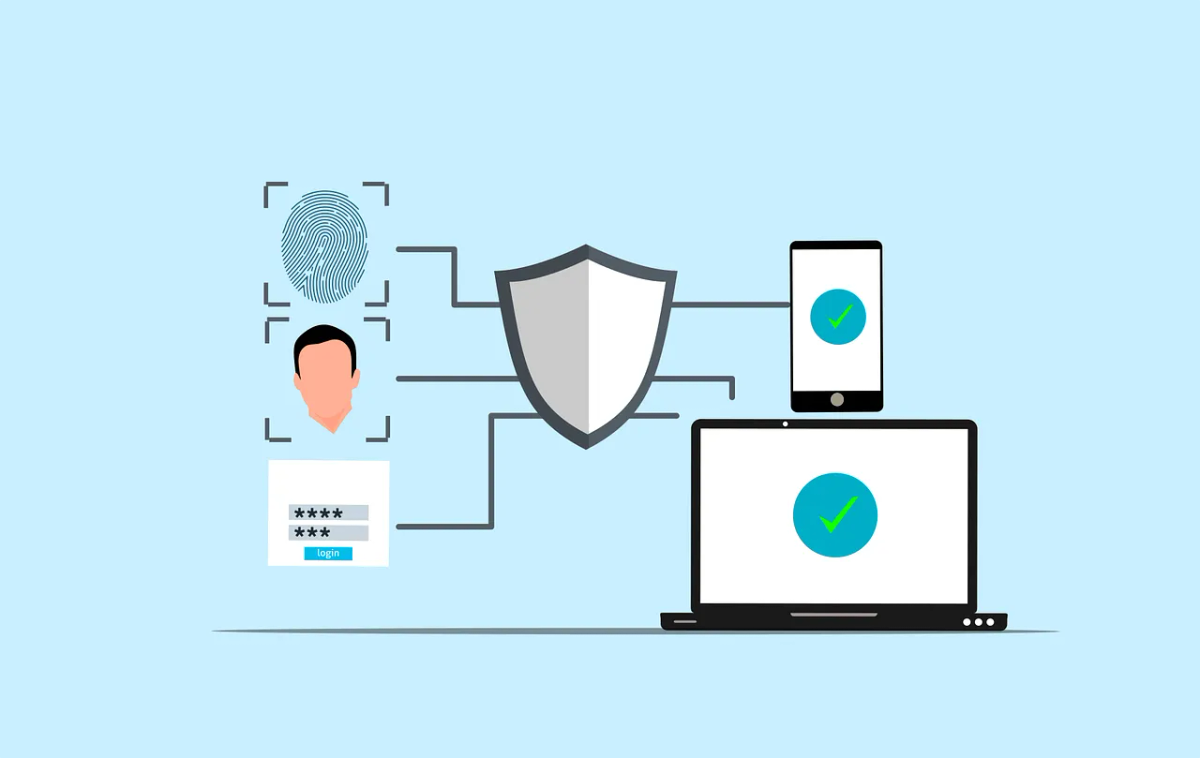
Installing an authenticator app is one part of an MFA rollout. The business also needs to require suitable authentication on the services people use and provide a safe way to recover access.
Multi-factor authentication uses two or more different factor types, such as a password and possession of an authenticator. Two passwords don’t provide two different factors. Supported passkeys can combine possession of a device or key with a local PIN or biometric check.
Map the services and accounts
List email, file storage, remote access, finance systems and administrator portals. Include accounts outside your central sign-in system, contractors and the people who administer your domain or website.
Record which services support MFA, who controls the setting and whether the business can enforce it. Identify older applications or authentication routes that might bypass the intended policy.
The Cyber Centre’s MFA deployment guidance recommends planning with users and starting with high-value accounts. Use a staged rollout with named owners for the remaining services.
Choose methods the service can enforce
Prefer phishing-resistant authentication where your services and devices support it. Microsoft’s authentication overview identifies passkeys, Windows Hello for Business and suitable certificate-based authentication as phishing-resistant options for Entra ID.
An authenticator code, SMS code or push approval can improve on a password alone, but those methods can still be phished. Number matching helps with unwanted push approvals, but it won’t stop a phishing site. Check which method each service uses and how it’s set up, including fallback routes.
Provide a supported alternative for staff who can’t use a personal phone. Assess accessibility, enrolment, spare keys and support costs. A fingerprint reader on a laptop doesn’t mean a business application uses it to sign people in.
Plan enforcement and recovery together
In Microsoft 365, have IT assess security defaults and Conditional Access against your tenant and licences. Security defaults provide a baseline; Conditional Access allows more specific policies and needs a licence that includes it. Plan replacement controls before changing an existing protection.
A person can register a method without any service requiring it. And the older per-user MFA status screen doesn’t show policy-based settings. Check the policies in effect and the sign-in logs.
Document how support verifies a person before resetting their methods. Test a lost phone, an unavailable primary method and administrator recovery. Protect and monitor emergency access using platform-specific guidance. Keep automated service identities in a separate review of credentials and permissions, since a sign-in policy written for people won’t cover them.
Pilot real work and failure cases
Choose a small group that represents staff devices and daily applications. Explain the enrolment steps, expected prompts and reporting route before changing their access.
Test browser and desktop sign-in, remote access, recovery and any older client still in use. Confirm the policy rejects a sign-in that doesn’t meet the requirement. Account for existing sessions when interpreting a test; an MFA policy doesn’t necessarily prompt on every action.
Teach staff to decline and report unexpected requests. Support should never ask them to share authentication codes or approve a prompt they didn’t initiate. Record failures, fix the cause and verify the result before expanding the rollout.
Keep coverage current
Check new applications, new staff and departures against the MFA inventory. Give temporary exceptions an owner, compensating controls and a review date. Verify enforcement again after policy or licence changes.
If you’re moving to passkeys, use the passkey rollout guide for the enrolment and recovery details. Our Cybersecurity service can help assess the gaps across your business sign-ins.


