Deploying IoT devices on a business network
Plan an IoT rollout with documented connections, tested network isolation, controlled administration, safe failure checks and an agreed maintenance handover.
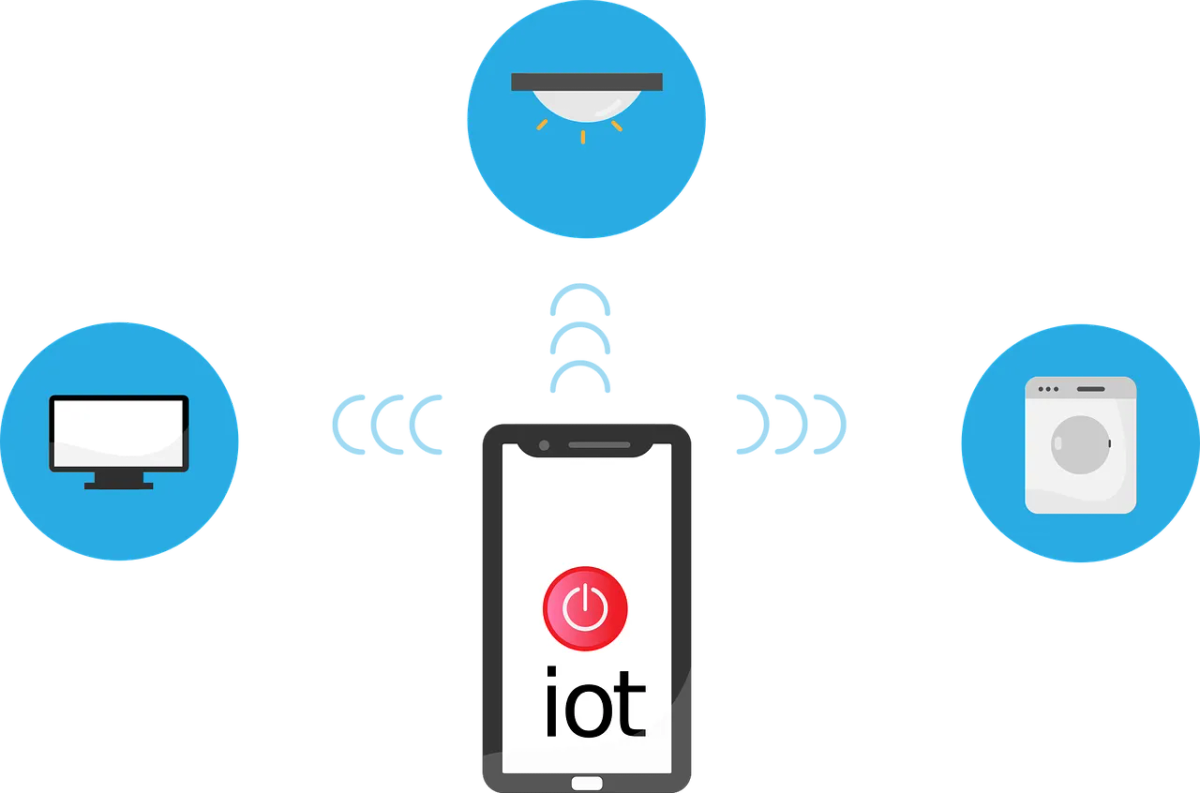
Connecting a sensor, camera or building controller changes more than the equipment list. It adds network traffic, administration accounts and dependencies on power, software and sometimes a cloud service.
Before installation, agree on the business result and the checks needed for acceptance. Keep purchasing decisions in the smart-office buying guide; this guide covers bringing the selected equipment into service.
Document the required connections
Ask the vendor for the device’s network and power requirements. List the services it contacts, the information it sends and the systems that need to reach it. Include initial setup, updates and remote support.
Identify whether local operation depends on an internet connection or cloud account. Confirm which business function is affected if any dependency fails.
Assign a business owner and a technical owner. They should agree who can approve access changes and who accepts the device’s output, such as a sensor reading or recorded image.
Prepare capacity and placement
Check the intended location for Wi-Fi coverage, cabling, power and environmental conditions. Include busy periods and the number of devices expected to operate together.
Measure the existing network before deciding on an upgrade. Extra internet bandwidth won’t resolve every local coverage, power or application problem.
For building, medical or industrial equipment, coordinate changes with the responsible specialist. Don’t interrupt a safety function to test a network theory. Plan a suitable maintenance window and rollback.
Configure and test network separation
The Cyber Centre’s IoT security guidance recommends isolating IoT networks from systems handling sensitive data, alongside device and account controls.
Have IT permit the required communications and restrict unnecessary routes. A separate Wi-Fi name or VLAN won’t isolate anything on its own. Routing and firewall rules decide what can cross the boundary.
With both owners’ agreement, test the necessary application paths and representative paths that should be blocked. Include access to business file systems and device administration. Record the results and required exceptions.
Control administration and vendor access
Replace default credentials where supported, remove unused accounts and use MFA for management accounts that support it. Keep credentials in the business password manager.
MFA helps protect an account. It isn’t a substitute for controls deciding which devices can join a network or which services they can reach.
Agree how the vendor receives remote access, who authorizes it and how it’s removed. Avoid leaving an unrestricted support route open after commissioning. Check logging and account ownership before the installer leaves.
Run an acceptance pilot
Start with a limited deployment and fictional or non-sensitive data where practical. Verify readings, alerts, record delivery and the business task the device supports.
Test failure scenarios that are safe to run, such as a lost internet connection or an unavailable service. Confirm how staff know something is wrong and what manual procedure remains available. Check recovery after service returns, including missing or duplicate records.
Have the business owner accept the result. A device can answer on the network and still fail at the job it was bought for.
Hand over maintenance and retirement
Record the configuration, firmware version, support period, update method and contacts. Assign responsibility for reviewing alerts and testing updates. Include the replacement decision when vendor support ends.
For devices collecting information about people, complete the privacy review before routine use. Confirm access, retention and deletion in the device and connected service.
Keep the commissioning record with the administration and access settings above. Update it when equipment, network paths or vendor access changes.


