Gmail security checks for your business
Review business Gmail access, phishing verification, forwarding, connected apps and recovery, with separate steps for managed Workspace accounts.
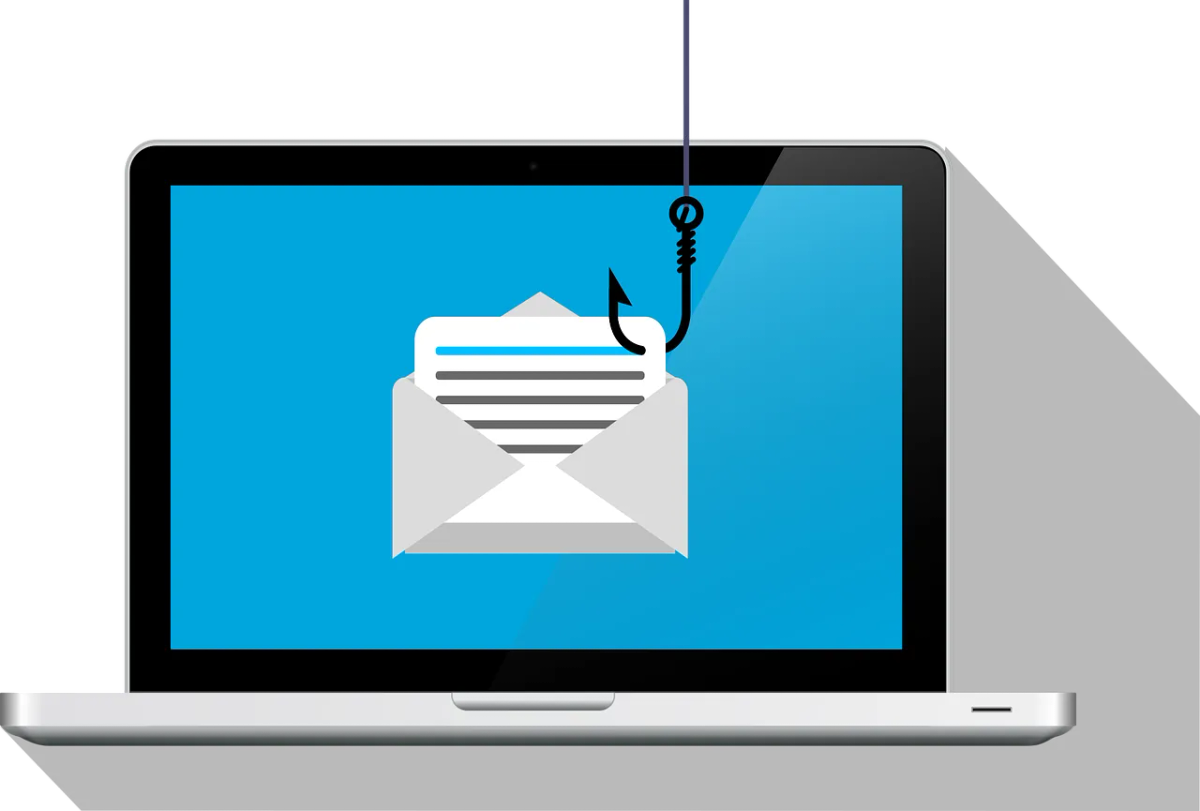
Gmail security involves the account, the mailbox settings and the way staff handle requests. A message can look convincing without being genuine, and a password change doesn’t replace a review of the access someone may already have.
The checks also differ between a personal Google account used for work and a managed Google Workspace account. Establish which one the business uses before following administrator instructions.
Identify the account and its owner
List the Gmail accounts used for business correspondence, including addresses used for finance, supplier services and account recovery. Record who owns each account and who can help when its usual user is unavailable.
For Workspace, identify the administrator and the recovery route if an administrator’s own account is affected. A personal account doesn’t provide the organization’s administrator with the same controls.
Avoid sharing a user’s password to provide cover during an absence. Ask IT to set up a shared mailbox or delegated access, and review who can use it.
Verify requests outside the message
If an email asks for a password, verification code, new payment details or remote access, stop and verify through a known route. Open the account’s security page yourself instead of following the message’s sign-in link.
A familiar sender can also have a compromised mailbox. For financial changes, use an established phone number and the business’s approval process. Don’t use a number supplied in the suspicious email as the independent check.
The scam-email guide covers the wider verification process. Whether AI wrote the message doesn’t matter. Check the request itself.
Check sign-in and recovery methods
Use a unique password and turn on 2-Step Verification. Workspace administrators should check that the policy is enforced for staff and administrators. Staff enrolling doesn’t mean it’s enforced.
Google’s security checklist for small businesses recommends enforcing security keys, at least for administrators and other high-value accounts, because they resist phishing. Review supported methods and recovery with IT, including what happens when a staff member loses their usual device.
For the accounts an attacker would most like to reach (the owner, finance staff and super administrators), consider Google’s Advanced Protection Program. It requires a passkey or security key to sign in and limits which third-party apps can reach the account’s data. Workspace users can enrol themselves unless an administrator has turned that off, and the administrator decides which other apps stay trusted. Check that the apps those people rely on still work before they enrol.
Don’t hand a verification code or an approval to someone who contacts you claiming to be support. Test the recovery route through the organization’s agreed process before it’s needed.
Review mailbox settings and connected access
Google’s compromised-account guidance includes unfamiliar devices, recovery details, mail delegation, forwarding and filters among the things to investigate.
Ask the user and IT to check unexpected changes. A rule that hides messages or forwards copies deserves attention even when the inbox still looks normal. Review the third-party apps connected to the account as well, since their access isn’t the same as a person signing in through the Gmail website.
Record why legitimate forwarding or delegation exists and who owns it. Check with the owner before removing obsolete access, so a business workflow isn’t broken without notice.
Use the right response when access looks suspicious
Report the concern promptly through a trusted support route, using a separate trusted device if the usual one may be compromised. Preserve the message and relevant timing without continuing to interact with its links.
For managed accounts, Google’s administrator procedure includes temporary suspension, investigation, password reset and review of OAuth tokens and app passwords before returning access. Suspension affects legitimate work too, so the incident owner should coordinate it.
For a personal account, use Google’s official account-recovery process and security review. Recovery isn’t guaranteed; don’t pay someone who promises access through an unofficial route.
Check the business impact before closing the incident
Have the response team consider messages sent, exposed documents, altered payment instructions and other services reached through the account. Resetting a password won’t show what happened or undo copies already taken.
Follow the business’s incident process for customer communications and any privacy assessment. Contact us if you need help reviewing Gmail or Google Workspace account controls and the response handoff.


