Finding security gaps in forgotten systems
Find old devices, unused accounts and services staff signed up for on their own, then assign each security gap an owner and a practical next step.
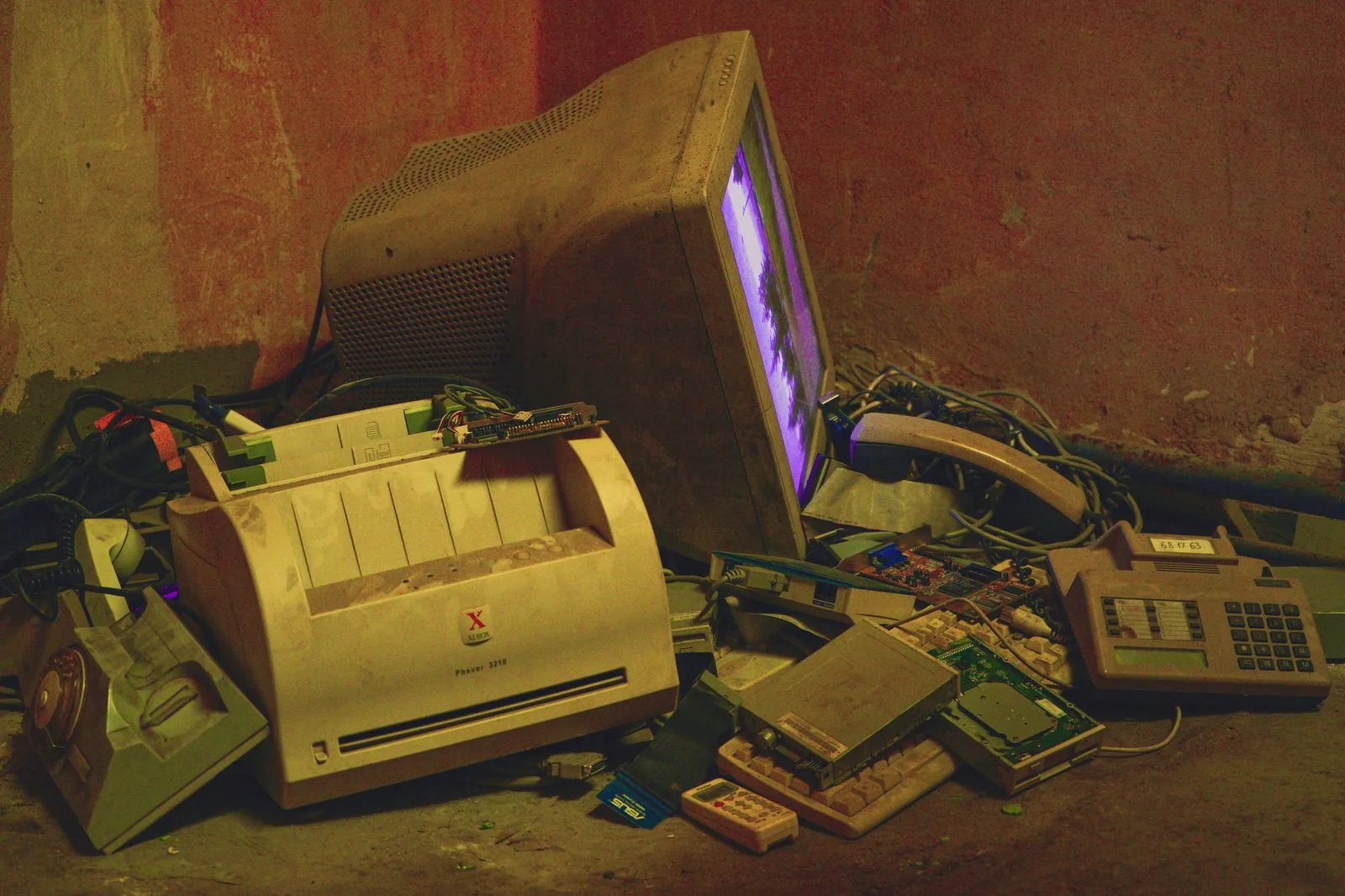
Old equipment and unused accounts can disappear from routine IT work without disappearing from the business. A printer might still send scans through a former employee’s account. An old laptop may reconnect when someone needs a saved file.
Start this review with systems that have lost an obvious owner. The aim is to bring them back into the maintenance and access process.
Walk through the overlooked places
Look in cupboards, spare desks and meeting rooms. Ask staff which tools they use that IT doesn’t know about. Check subscriptions and invoices for services the current inventory doesn’t explain.
Record the device or service, its business purpose, its owner and the information it holds. Don’t collect passwords in the inventory.
An unfamiliar item needs investigation before removal. It may support a recurring task that only happens once a year.
Check whether maintenance still reaches it
For each retained system, confirm support status, update ownership and protection settings. An old device that rarely connects may have missed months of maintenance.
The Cyber Centre’s baseline controls cover software updates, access, backups and incident preparation. Use that guidance to identify which routine process should include the rediscovered system.
If an essential application needs unsupported software, record the dependency and plan a replacement with its owner. Don’t connect a forgotten computer just to see what happens.
Review access and connectivity
Identify former staff accounts, shared passwords, recovery addresses and administrator access. Check whether the people responsible for a service can still reach its recovery route.
Review Wi-Fi and network configuration with IT. A VPN doesn’t repair an exposed router, an unsupported device or a compromised account.
For personal phones used at work, confirm what business access is allowed and what management actions have been agreed. Finding work data on a phone doesn’t give the business the right to look through or erase its personal contents.
Decide what to keep and retire
A retained system needs an owner and maintenance coverage. An unused system needs a retirement process covering records, access removal, subscriptions and data disposal.
Before deleting an account or cancelling a service, check for shared files, integrations and recovery dependencies. Test access to the records that must remain.
The cloud-service exit guide covers a planned cancellation.
Make forgotten systems easier to find next time
Add inventory review to staff departures, office changes and subscription renewals. Give staff an easy route to request software so useful tools don’t remain invisible.
Record unresolved items with an owner and a review date. Use the next review to confirm completed work and investigate systems that still lack an explanation.


